
Use the Registration Number field to store the state-issued registration or repair-shop number that applies to your shop location. When a number is saved, HibbittsAutoPro displays it on printed estimates and invoices.
Before You Begin
- Use the number issued by the state or agency that regulates your shop.
- If your account contains multiple company locations, enter the appropriate registration number separately in each location’s Company Profile.
- Registration formats and display requirements vary by jurisdiction. Confirm the correct number with the agency that regulates your shop.
Add or Update Your Registration Number
- Log in to HibbittsAutoPro.
- Open My Profile in the left menu, then select Company Profile.
- In Company Details, find the Registration Number field.
- Enter the registration number for the current shop location.
- Select Save Company Details.

Where the Registration Number Appears
After it is saved, the number appears as Reg #: in the shop-information area of printed estimates and invoices. If the field is empty, no registration-number line is printed.
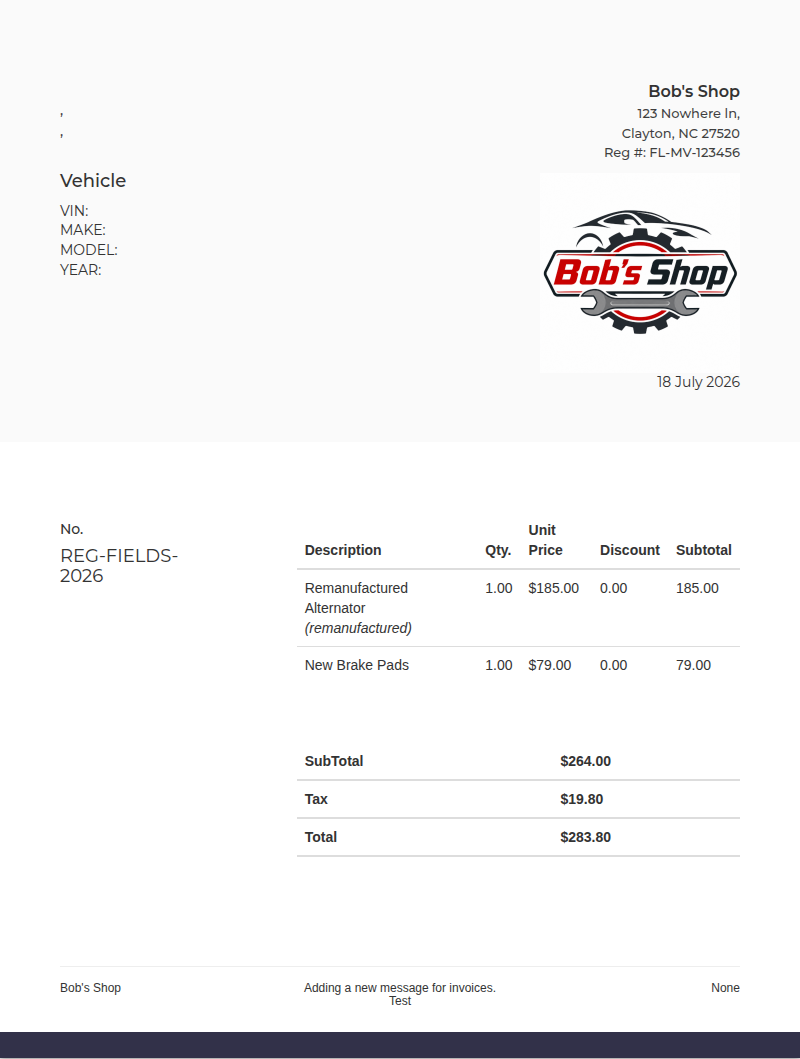
Important: HibbittsAutoPro records and displays the value you enter. Your shop is responsible for confirming which registration number and disclosures are required for each location.
For other company settings, see How to Update Your Company Details.