
Instructional Video:
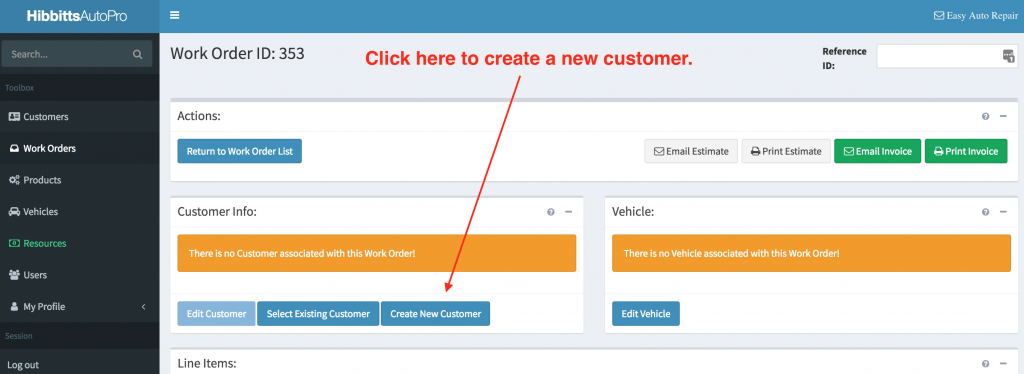
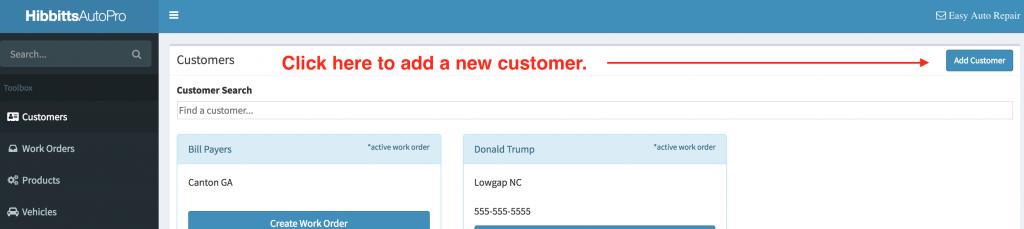
You have two ways to create a new customer:
-
Create a new customer while creating a new work order.
-
Create a new customer from the customer search page.
Special Note: International Address Support
When creating a customer, the form includes Address, City, State/Province, Postal Code, and Country. The Country field is a dropdown, and the address fields support international formats, including non-U.S. postal codes. Enter the customer’s address exactly as it should appear for their local mailing format.